
Help · Guests
How it works for guests
Everything you need to find someone and have a good conversation, step by step.
Try a free call
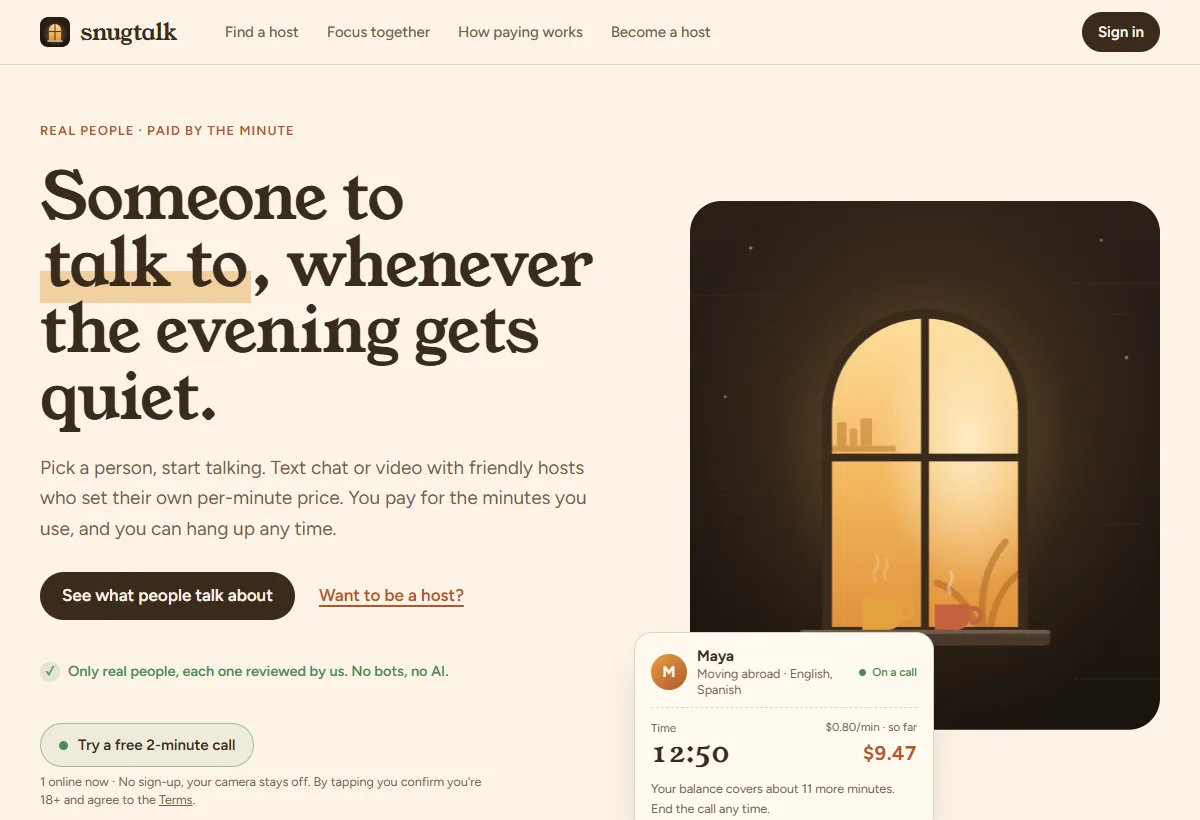
The quickest way to see what SnugTalk is like: tap Try a free 2-minute call on the home page or at the top of Find a host. It rings whoever is free right now; if they don't pick up, it tries someone else.
- No account needed. Your camera stays off: the host hears you, you see and hear them.
- One free try per person and per internet connection. It doesn't work over a VPN or Tor.
- The button only shows when someone is online.
Create an account
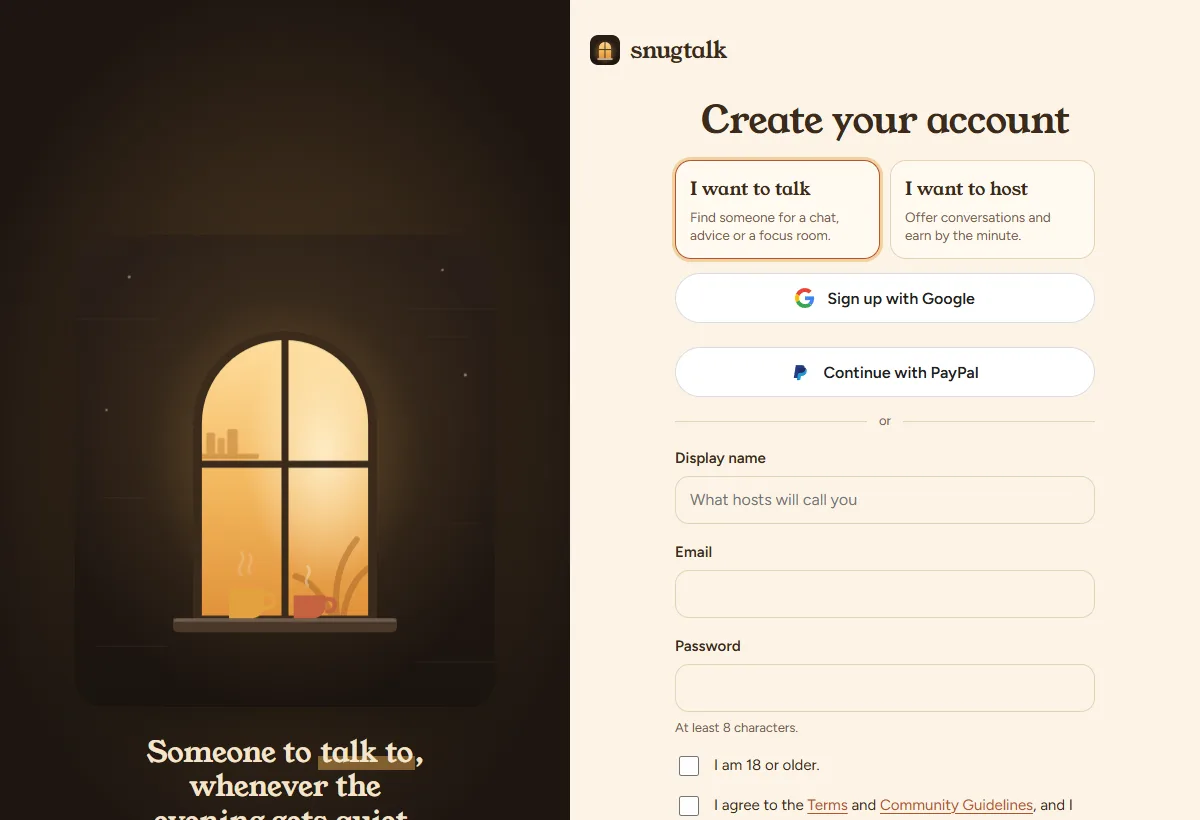
Go to Sign up and continue with Google or PayPal, or use your email and a password. Confirm you're 18 or older and accept the Terms. It's free, with no subscription.
If you sign up over a VPN, Tor or a data center connection, we ask you to confirm your email before your first call or payment. Everyone else can start right away.
Find someone to talk to
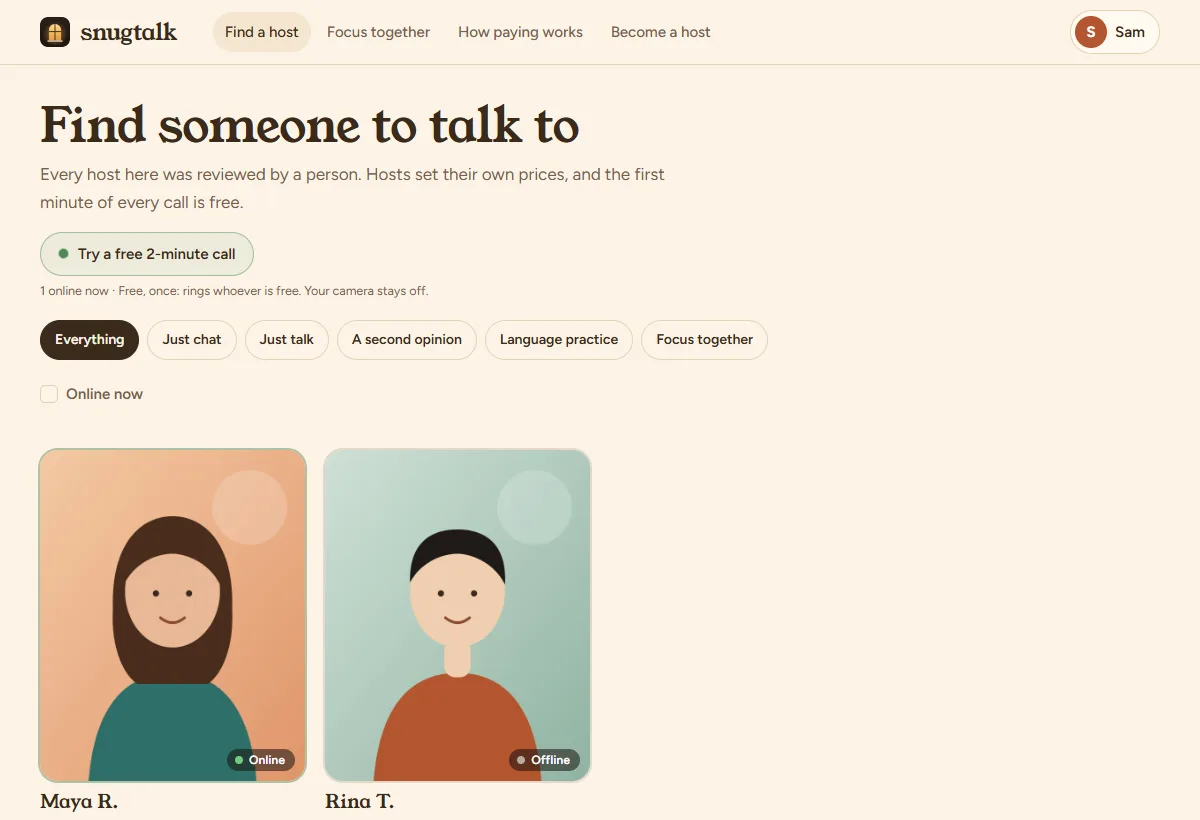
Find a host lists everyone you can call. Filter by kind of call, and tick Online now to see only people you can reach this minute.
- Online (green): on SnugTalk right now. Available: not on the page, but gets an alert on their phone and often answers. Offline: try later.
- Open a profile to read about the host, see their photos and languages, and check their prices.
Pick what you'd like to do
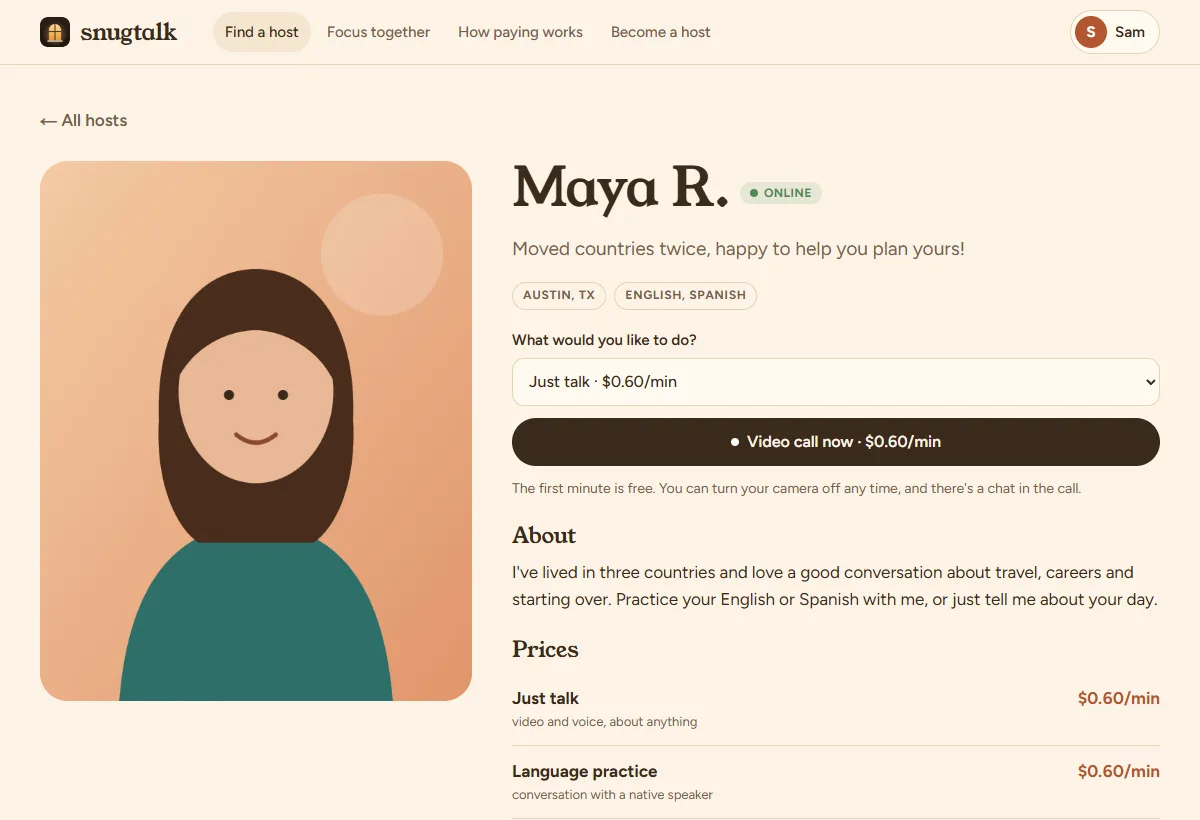
Each host offers some of these, at their own price:
- Just chat: text only, no camera or microphone.
- Just talk: video and voice, about anything.
- A second opinion: career moves, studies, plans and letters.
- Language practice: conversation with a native speaker.
- Focus together: a 20-minute focus room (see below).
Choose one on the host's profile and tap the call button.
Add money
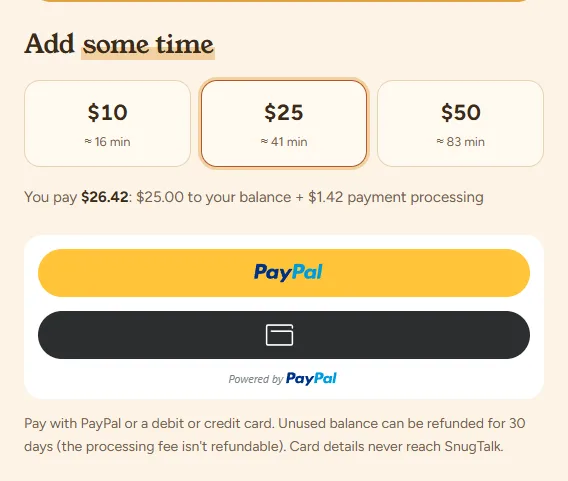
Calls are paid from your Wallet. Pick $10, $25, $50 and pay with PayPal or a debit or credit card (no PayPal account needed for cards).
- A payment processing fee (3.49% + 49¢) is added at checkout, so the whole amount you pick goes to your balance. The total is shown before you pay.
- Unused balance can be refunded within 30 days (the processing fee isn't refundable).
Make a call
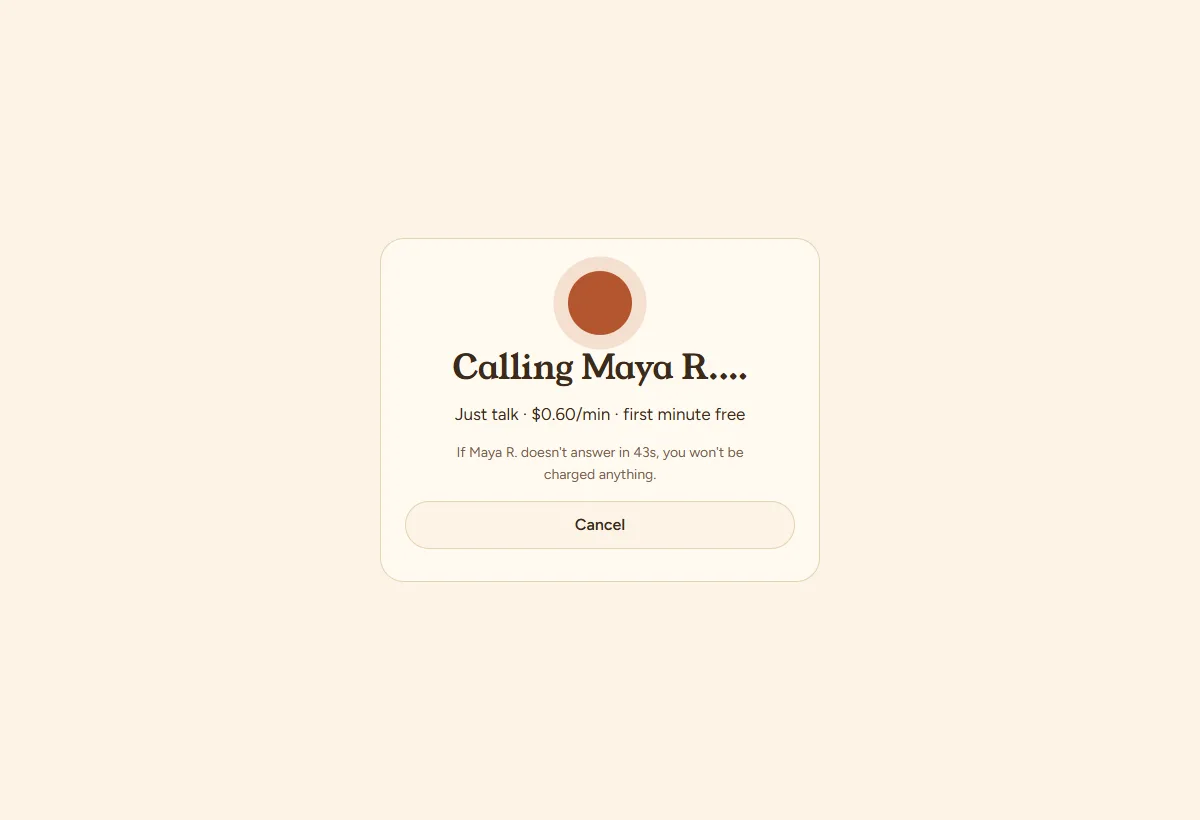
Tap the call button on a profile. The host's phone or computer rings for up to 45 seconds (90 if they're reached by an alert). If they don't answer, you're not charged.
- You need enough balance for at least two paid minutes to start a per-minute call.
- The first minute of every call is free. After that you pay the host's rate, counted to the second.
- The bar at the top shows the time and the cost so far. About two minutes before your balance runs out, a link appears to top up without hanging up.
- In a text chat you can switch to video at any moment; the rest of the call is billed at the video price.
- If the connection drops, there are 30 seconds to rejoin. If nobody comes back, the call ends and billing stops at the moment of the drop.
- Tap End call when you're done. Billing stops right away.
Focus rooms
Twenty minutes on camera with a host while you each work on your own thing:
- First 2 minutes: say hello and what you'll work on.
- Focus time: microphones go off automatically. Keep your camera on.
- Last 2 minutes: microphones come back; say what you got done.
A focus room has one price for the 20 minutes (many are free), charged only if you stay past the hello.
After the call
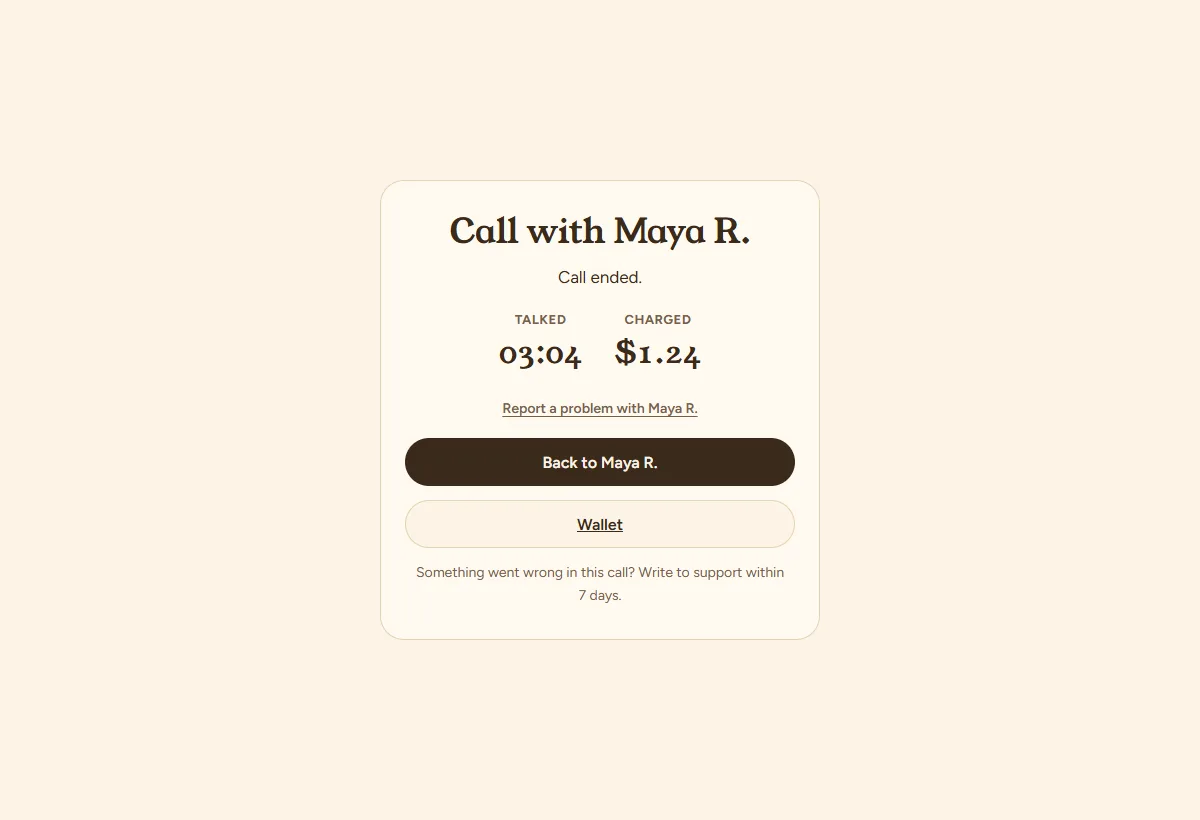
You see how long you talked and what it cost. Everything is also in your Wallet history. If something went wrong, use “Report a problem” within 7 days.
Messages
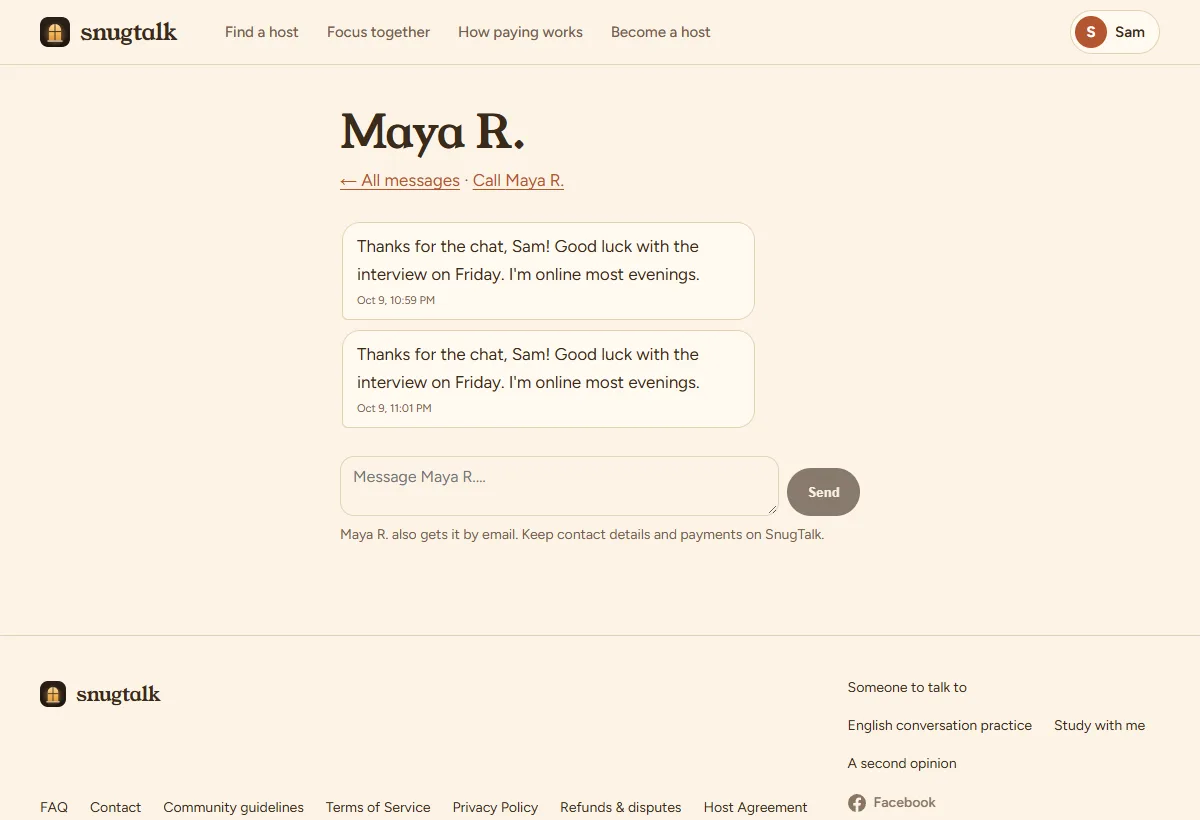
After a call (answered or not), you and the host can write to each other in Messages. We email you when a new message arrives. A red number next to your name shows unread messages.
Keep it on SnugTalk: phone numbers, social handles and payment requests aren't allowed in messages.
Sign-in methods and your account
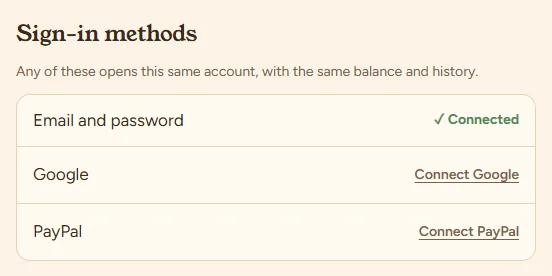
In Account you can connect Google, PayPal and a password to the same account, so any of them opens it with the same balance and history. Joined with Google or PayPal and want a password too? Use “Forgot password” on the sign-in page.
Delete account is at the bottom of the same page.
Safety
- Hosts are friendly people, not therapists, and SnugTalk isn't for dating. If you're in crisis in the US, call or text 988.
- During a call, Report is in the top bar; you can block the person in the same step.
- Never pay a host outside SnugTalk. If someone asks, report it.
- Urgent safety issues: support@snugtalk.com with “Safety” in the subject.
Still stuck? See the FAQ, the guide for hosts, or write to us.